city
👋 Hello! It looks like you're visiting from the US. Do you want to visit our American site?
👋 Hello! It looks like you're visiting from the UK. Do you want to visit our UK site?
👋 Hello! It looks like you're visiting from Australia. Do you want to visit our Australian site?
×

Matter-Centric Email Management

Keep every client email and attachment in the right matter for a complete, reliable record.

Google badgeG2 badgeCapterra badge

Every email, always in the right place

Outlook integration

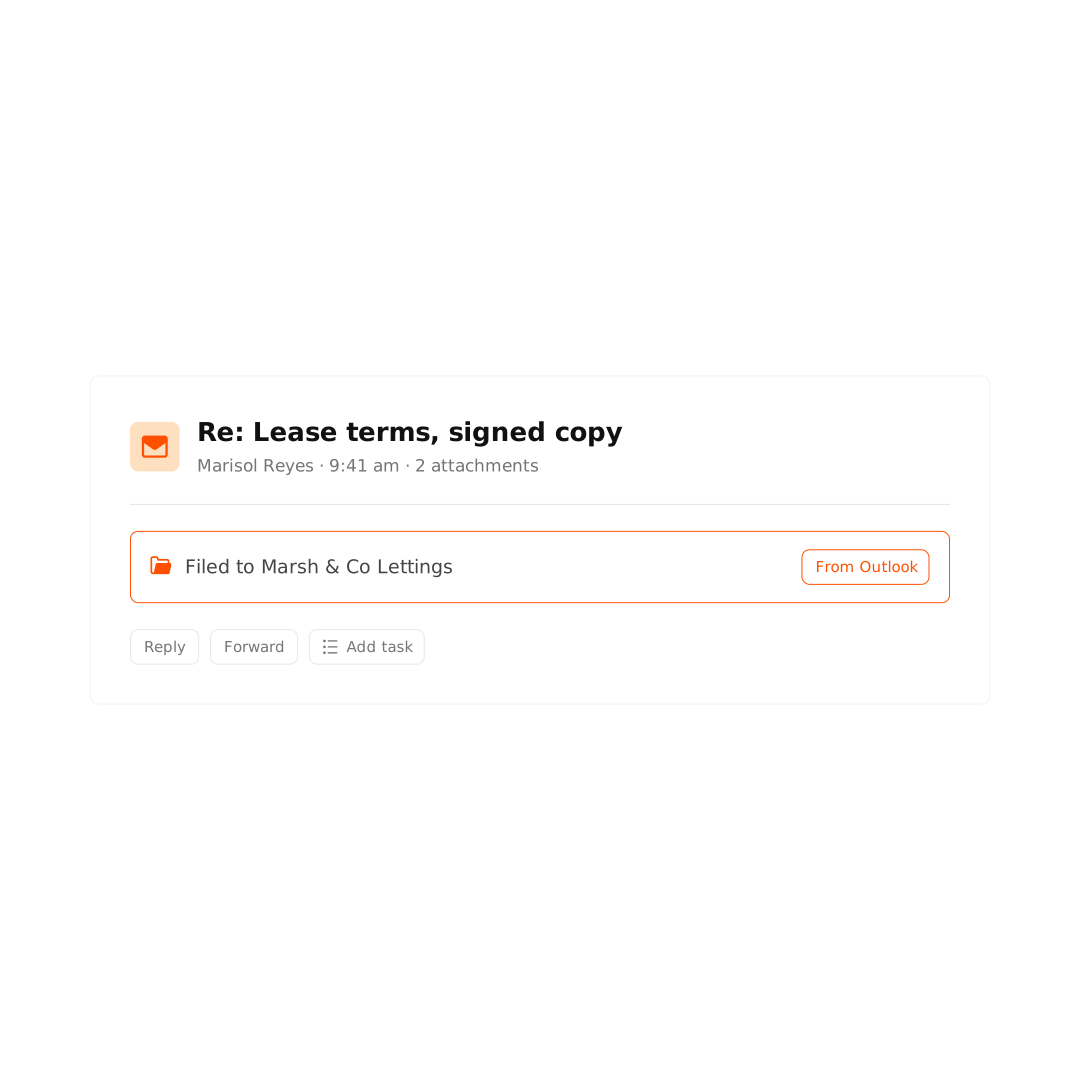
File emails and attachments to the right matter, whether you’re in Outlook’s desktop, web, or mobile app.

Full team visibility

Keep everyone aligned with shared access to every conversation for each matter.

Easily searchable

Find any email or attachment in seconds. No more copying or forwarding between colleagues.


Organize and access emails with ease

Smokeball’s Outlook integration turns your inbox into a matter management tool. Every client email and attachment is stored against the right matter, creating a complete, accurate record your whole team can trust.

  • File emails and attachments to matters with smart matter suggestions.

    Reply emails save automatically, even when Outlook is closed.

    View and add tasks straight from Outlook.

    Find any email fast with matter-specific search.

Work with confidence knowing every email and document is stored in one place.

Capture and bill every email with AutoTime

With AutoTime, every email you draft or read is automatically tracked to the relevant matter, helping you capture more billable time.

  • Bill more, effortlessly: Firms using AutoTime bill an average of $137,000 more per fee earner, per year.

    Time tracked as your write: Time spent drafting emails is accurately captured and rounded to your default billing unit.

    Every activity, accounted for: Viewing an email or attachment logs the activity against the matter.

See how it works
See how it works

Get more done in Outlook with Archie AI

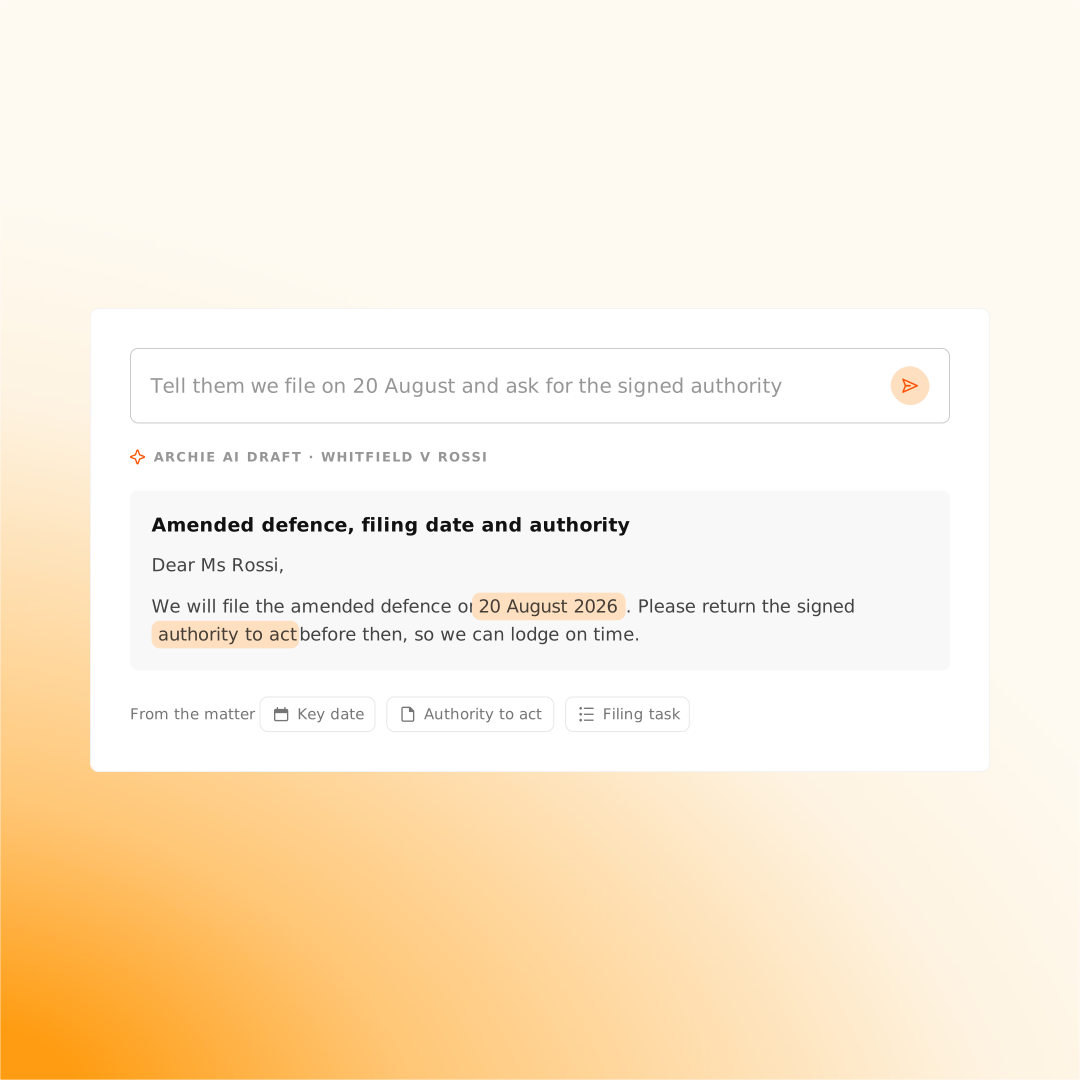
With Archie AI built into Outlook, drafting a tailored email takes seconds. Instantly summarize threads, generate replies from matter details, and polish your drafts before sending.

See what’s been discussed at a glance with email thread summaries.

Generate tailored emails guided by matter details such as key dates, tasks, and documents, without leaving Outlook.

Easily adjust tone, length, or writing style to finetune emails before sending.

Reviewer's photo
Stars icon

We demoed all the top Practice Management Systems in detail and Smokeball was the best in document management / email integration.

Daniel A. – G2

5

Ready to Grow Your Law Practice?

  • Automatic time tracking lets you bill more accurately with a fraction of the effort.

  • Seamless integrations with Microsoft Word and Outlook

  • Our prebuilt library of 20,000+ legal forms

  • Identify business opportunities through powerful insights and reporting

  • Build a healthier, more profitable business every time you use our case management software.

Google badgeG2 badgeCapterra badge

This field is required.

This field is required.

This field is required.

This field is required.

This field is required.

Your personal data will be kept confidential. By sharing your phone number, you agree to receive promotional messages and/or phone calls from Smokeball. Consent is not a condition of purchase. View our Privacy Policy and Terms of Service for more information.

Thank you! Your submission has been received!
Oops! Something went wrong while submitting the form.

FAQs about Email Management with Outlook

arrow icon

How does Smokeball integrate with Microsoft Outlook for email management?

Smokeball integrates directly with Microsoft Outlook to let you file emails and attachments into the correct matter without leaving your inbox. This creates a single source of truth for all client communication, keeping every email and attachment organized, accessible, and linked to the right matter.

arrow icon

Which version of Outlook works best with Smokeball email management?

Smokeball Boost works best with the web version of Microsoft Outlook 365. Smokeball Grow and Prosper works best with classic Outlook and new Outlook, offering the most powerful email management features, including AutoTime for automatic time tracking.

arrow icon

Can Smokeball automatically track the time I spend on emails?

Yes. With AutoTime (included in Prosper and available as an add-on for Grow), Smokeball automatically captures your activity across reading and drafting matter-related emails in Outlook. This ensures you capture all billable time without manual entry.

arrow icon

How can I search for old emails and attachments in Smokeball?

Smokeball creates a fully searchable log of all matter-related emails and attachments. You can quickly find any email or file by searching within the matter, even if it’s from years ago, so your team can pick up conversations without missing context.

arrow icon

Can my team see all matter-related emails in Smokeball?

Yes. Smokeball provides full team visibility for all emails linked to a matter, so everyone working on the case can access the complete conversation history and attachments without forwarding.