Every email, right where it belongs
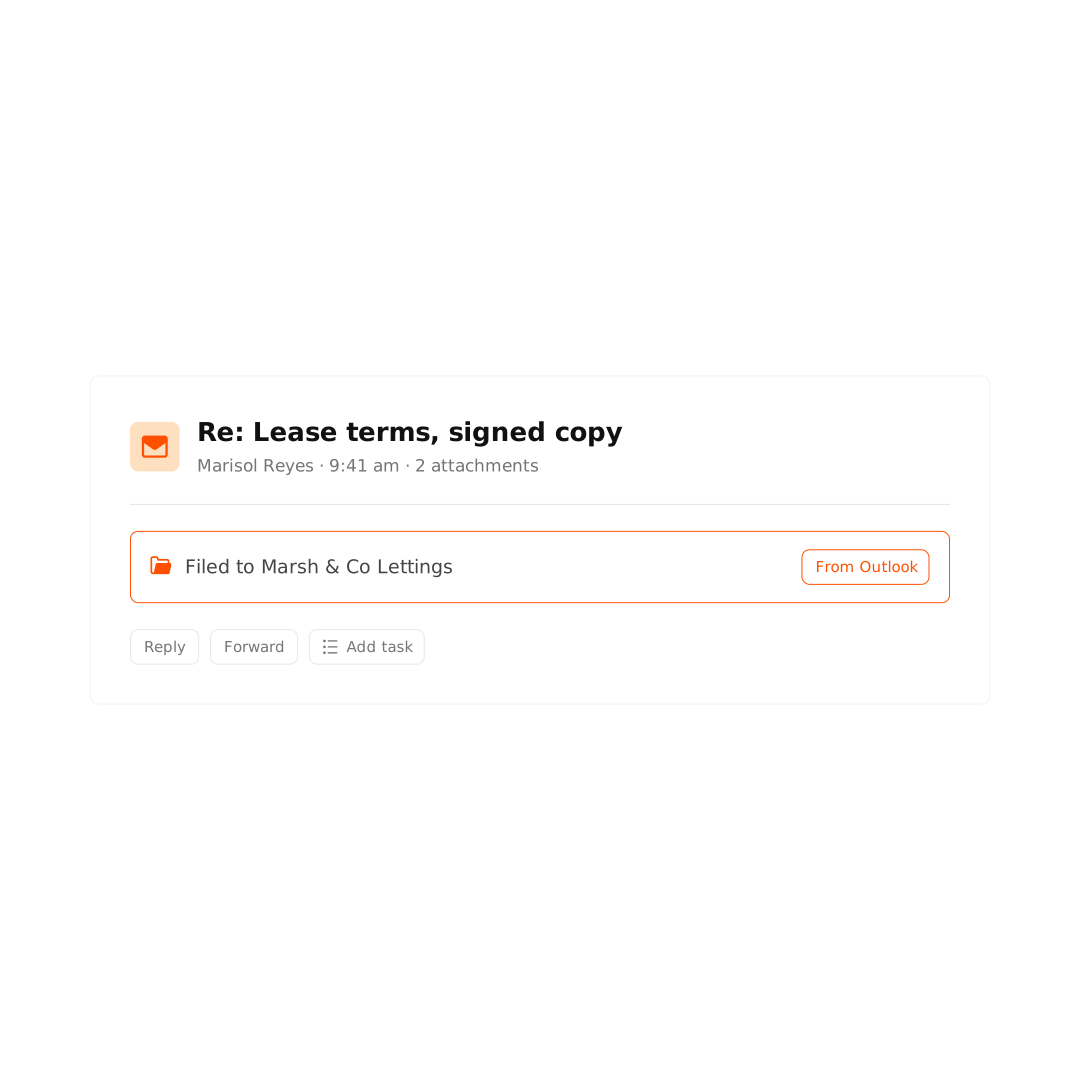
Keep every client email and its attachments in the right matter for a complete, reliable record.
Trusted by 34,000+ legal professionals worldwide










One shared source of truth
Keep every email and attachment with the matter, so your team stays in sync.
Faster, sharper emails with Archie AI
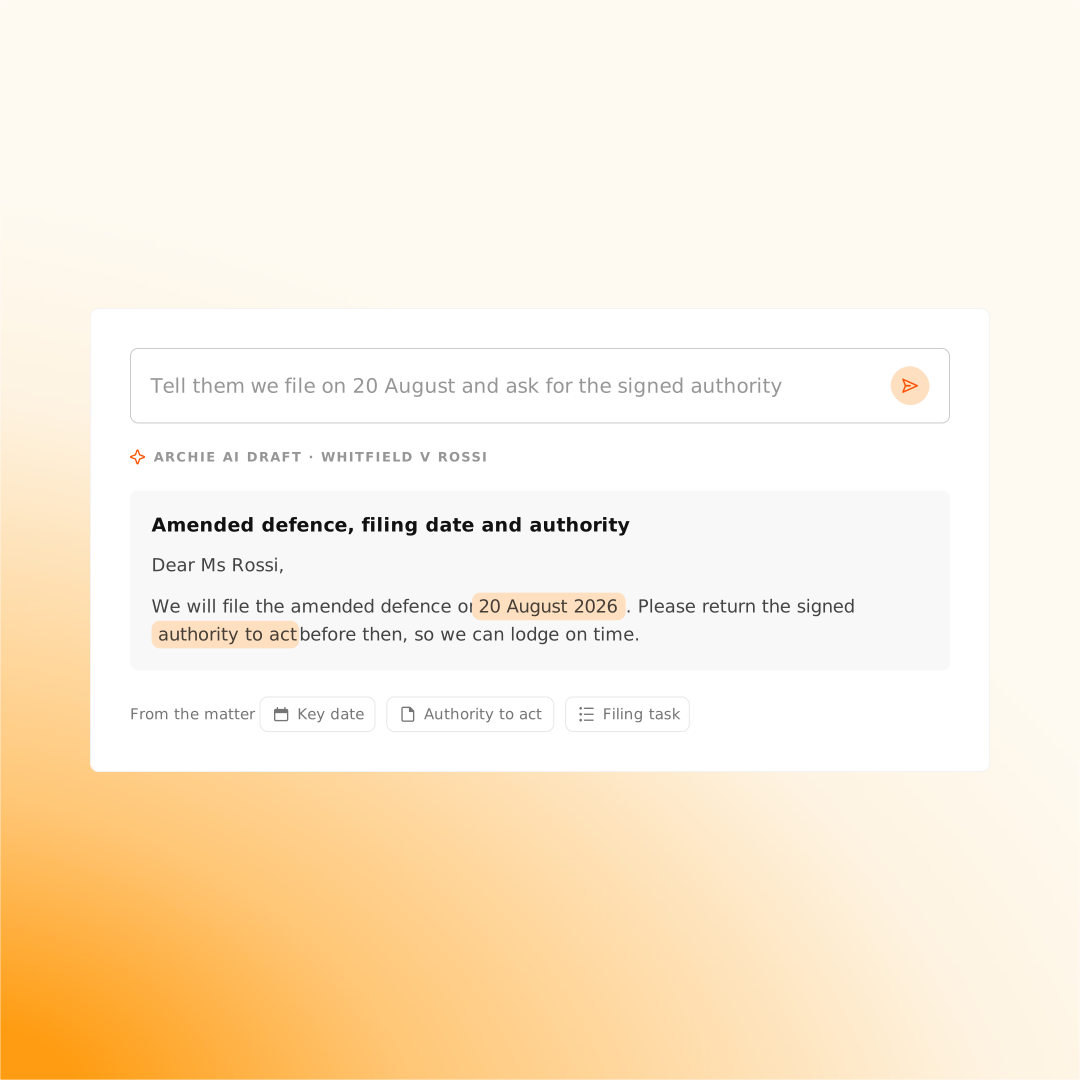
Archie drafts and summarizes in Outlook so you can answer faster, with emails grounded in your matter context.
Capture the time email takes
AutoTime tracks the time you spend on emails, so you know where your time goes and capture more billable work.
Organize and access emails with ease
Connect your Outlook inbox to your matters to automatically manage and action emails directly from Smokeball.
We also include videos that explain the concept, go deeper on the subject, or maybe might spark some new ideas for the resources that you're using.
These are the foundations you’ll rely on for every award-worthy project. Master the basics, and the flashy stuff will actually have something solid to stand on.

Get more done in Outlook with Archie AI
Spend less time reading and writing emails while Archie helps you get to the point, faster.
We also include videos that explain the concept, go deeper on the subject, or maybe might spark some new ideas for the resources that you're using.
These are the foundations you’ll rely on for every award-worthy project. Master the basics, and the flashy stuff will actually have something solid to stand on.
“Smokeball has taken us into the next generation.”

Explore related features
Client portal
One secure place to collaborate with clients. Get the information you need, while keeping your clients informed and confident their matter is being handled.
AutoTime
Intelligent activity tracking that powers billing and insights - see exactly where your time goes and bill what you’ve earned, effortlessly.
TemplateLab
Automate your forms and documents with 20,000+ templates that fill straight from the matter. Spend more time on clients, less on paperwork.
FamilyPro
Easily collect financial data and model property division outcomes with family law software designed to save time and enhance client collaboration.
Ready to re-love the law?
Learn how Smokeball powers people-law firms around the world.