A calendar your practice can rely on
Every court date, deadline, and client appointment in one calendar, synced with Outlook and linked to its matter.
Trusted by 34,000+ legal professionals worldwide










Instant event syncing
Every event updates in both Smokeball and Outlook -- in real time.
Visibility across every calendar
Know who's tied up, who's free, and what each matter has coming.
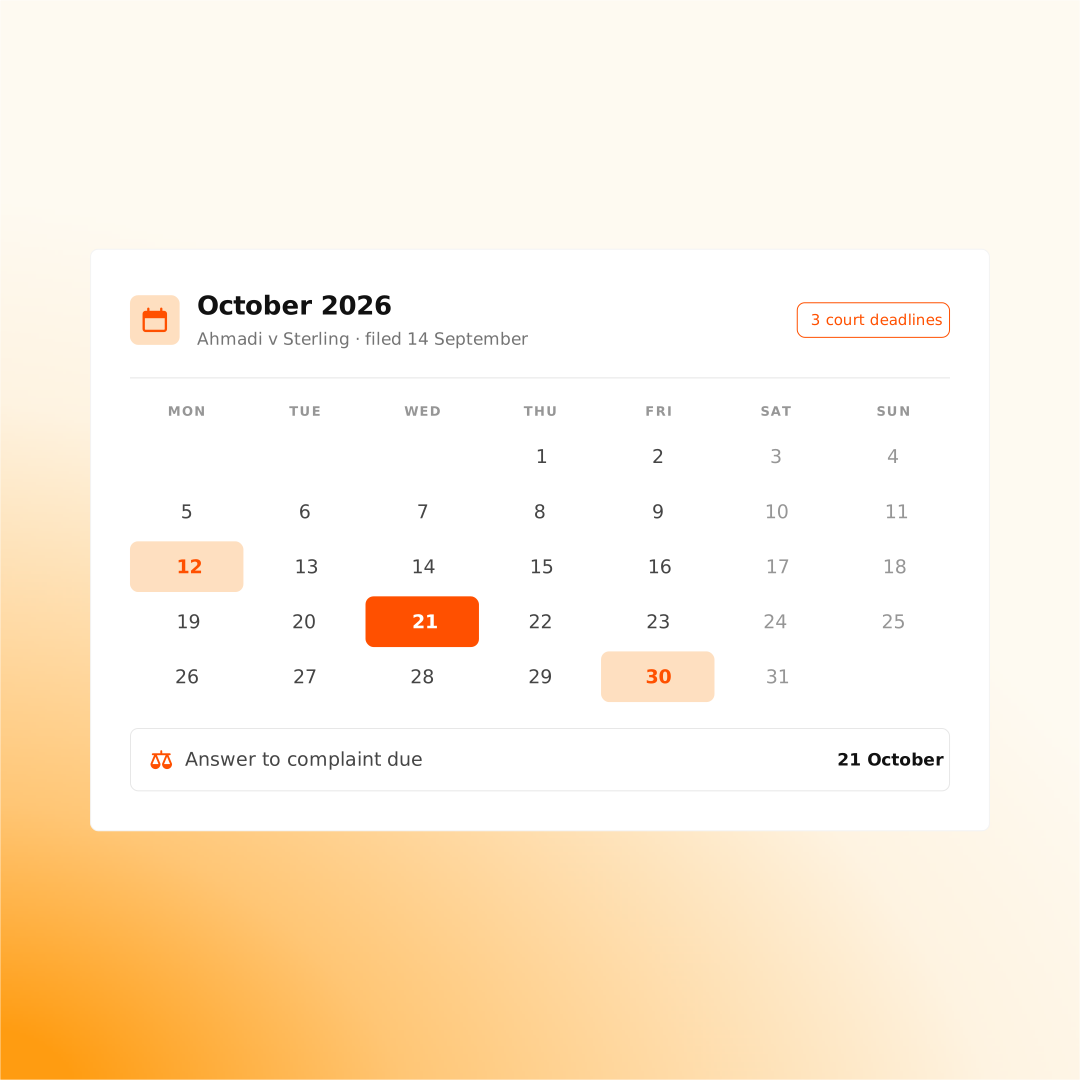
Automated court deadlines
Court dates appear in your calendar, already calculated.
A calendar organized the way your firm works
Everything your firm schedules lands in Smokeball -- from client work to firm management.
We also include videos that explain the concept, go deeper on the subject, or maybe might spark some new ideas for the resources that you're using.
These are the foundations you’ll rely on for every award-worthy project. Master the basics, and the flashy stuff will actually have something solid to stand on.
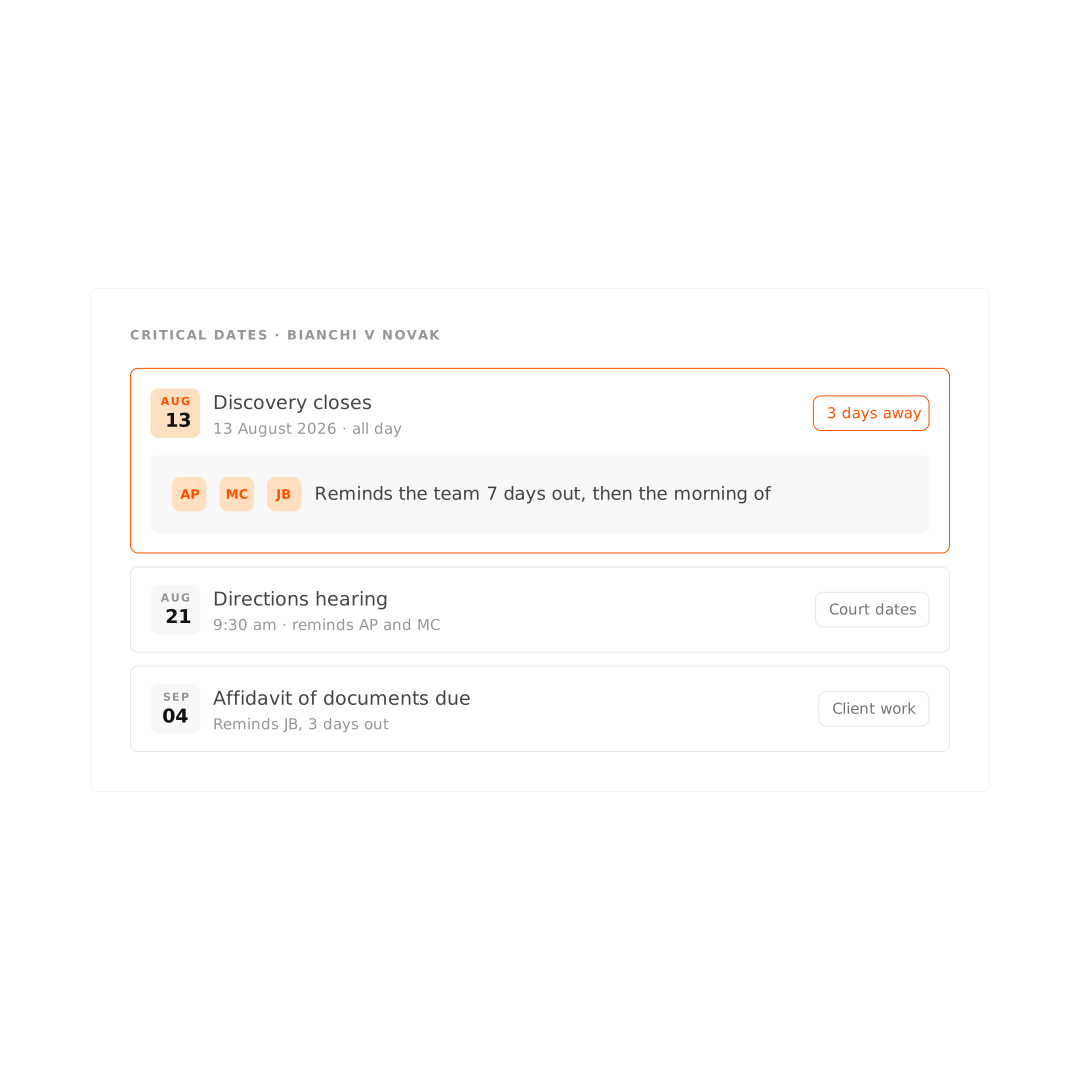

Automate court deadlines with LawToolBox
Built from the court's own rules, your deadline schedule lands on your calendar or your task list - whichever your firm works from.
We also include videos that explain the concept, go deeper on the subject, or maybe might spark some new ideas for the resources that you're using.
"Smokeball has taken us into the next generation.”

Explore related features
Matters
Smokeball keeps every matter in one organized file your whole team can work from, so nothing gets lost between systems and work keeps moving
Tasks and workflows
Workflows guide the work behind every matter – get the right tasks done at the right time and keep your team focused on the client, not the checklist.
Firm insights
Get a clear view of your firm's performance with reports and dashboards. Track profitability, productivity, and growth in a few simple clicks.
Document management
Keep your documents inside the matter they belong to, up to date and within reach of your team.
Ready to re-love the law?
Learn how Smokeball powers people-law firms around the world.